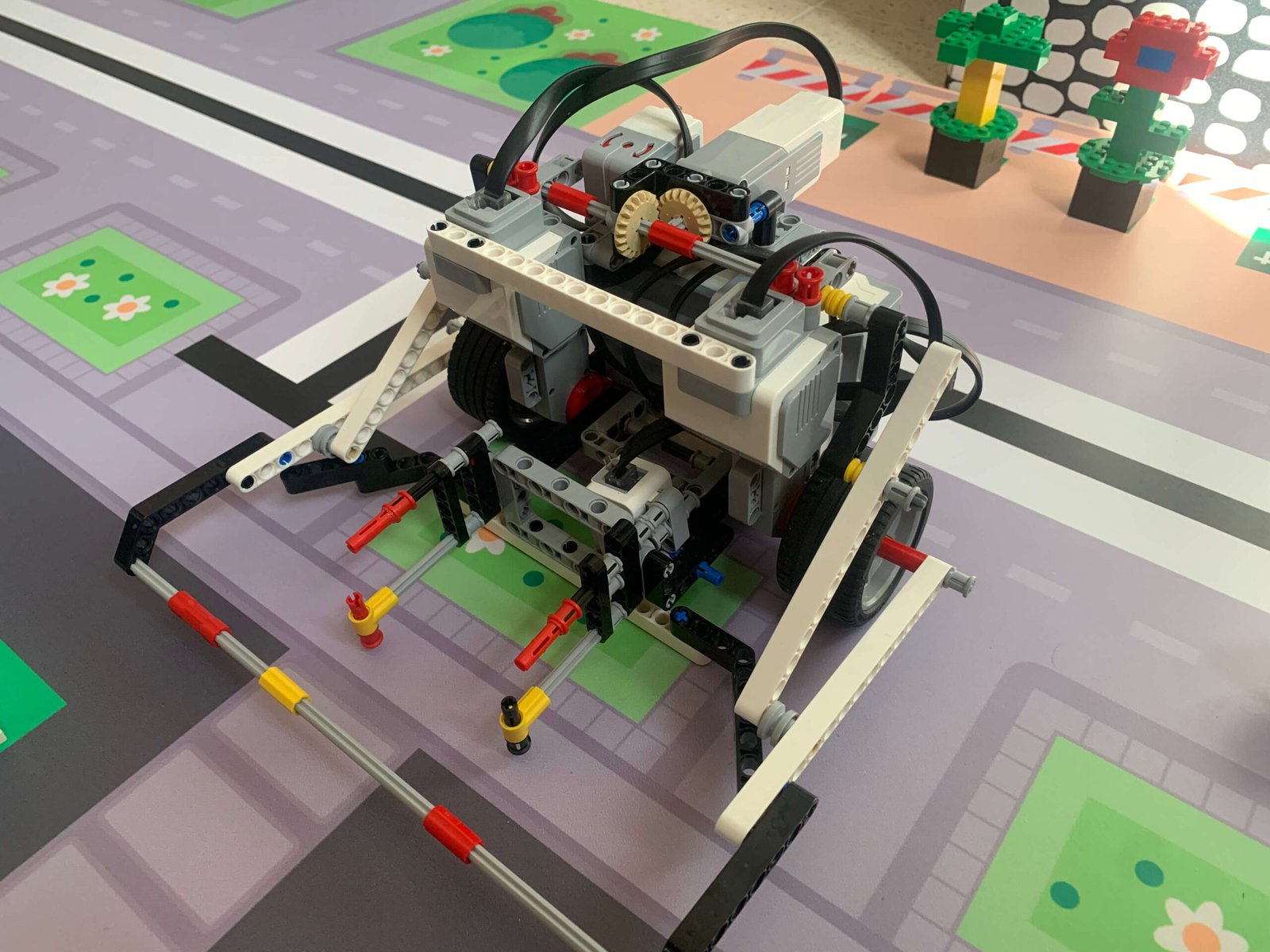
Motor control is the first programming skill students need to master, because every movement starts here. I always tell my students: before you try anything fancy with sensors, make sure your robot can drive predictably and repeatably.
The EV3 motors can be controlled in several ways:
One thing I always teach my students early is the difference between spin, pivot, and swing turns:
When I teach these, I have students try each type of turn manually with the same angle — 90 degrees, for example — and observe how the robot moves. This helps them see the different behaviors of spin, pivot, and swing turns firsthand, and decide which type of turn is most appropriate for a given situation on the field. It also encourages them to think about space management and smoothness of motion, which are important when planning paths or navigating obstacles.
Task 1: Forward Drive
Program the robot to drive forward 50 cm using motor rotations, and repeat it three times. Observe whether the robot travels the same distance each time.
Task 2: Simple Turn
Program the robot to rotate in place 90 degrees using a spin turn. Repeat using a pivot turn and a swing turn. Compare consistency, speed, and space used.
Task 3: Combined Movements
Create a simple routine where the robot drives forward, turns, and drives again. Encourage students to break the program into small steps and test each one before combining them.
Tip: Always start with a “bare drive base” — no attachments — so students can see how motor control behaves without extra variables.