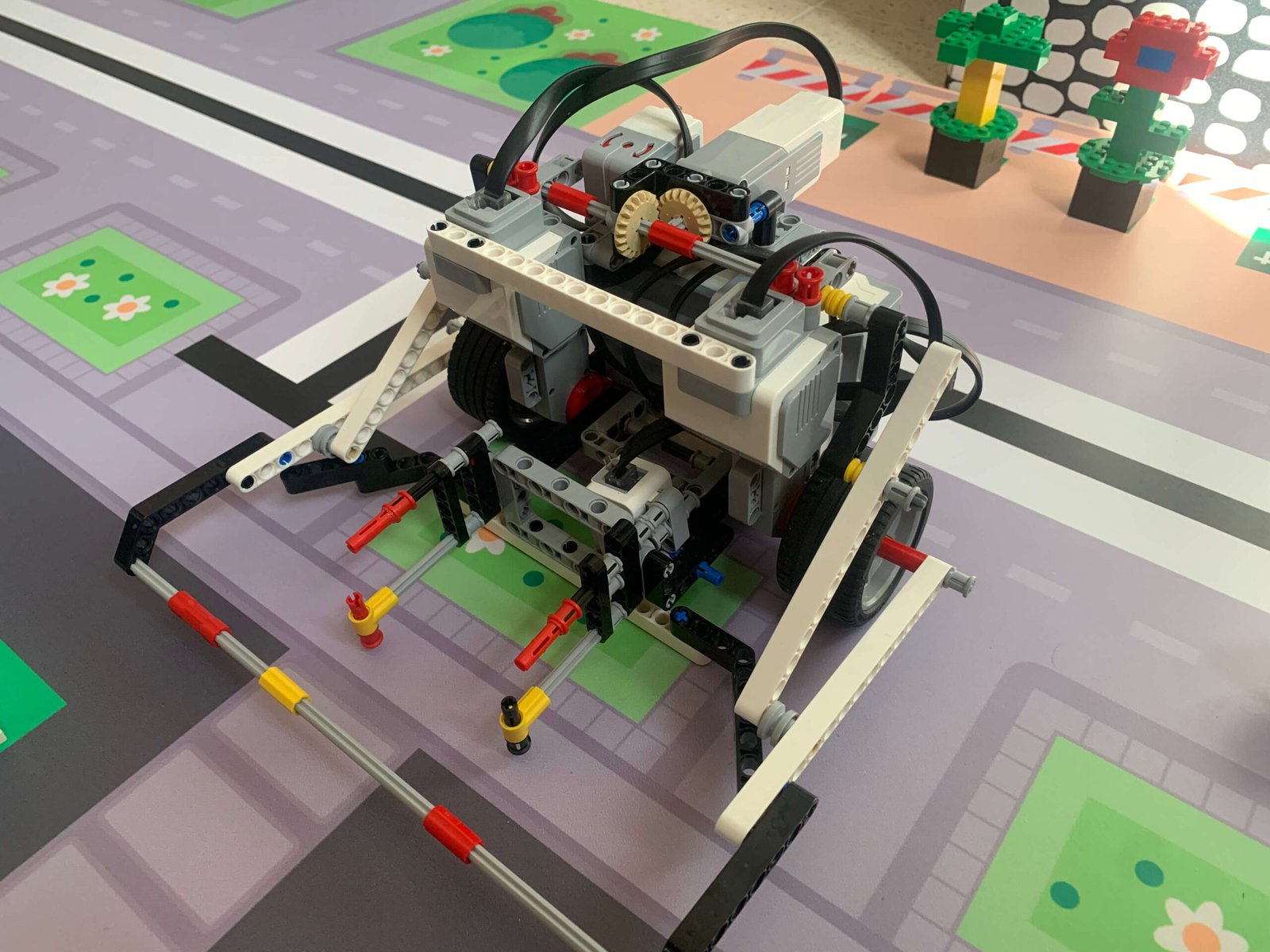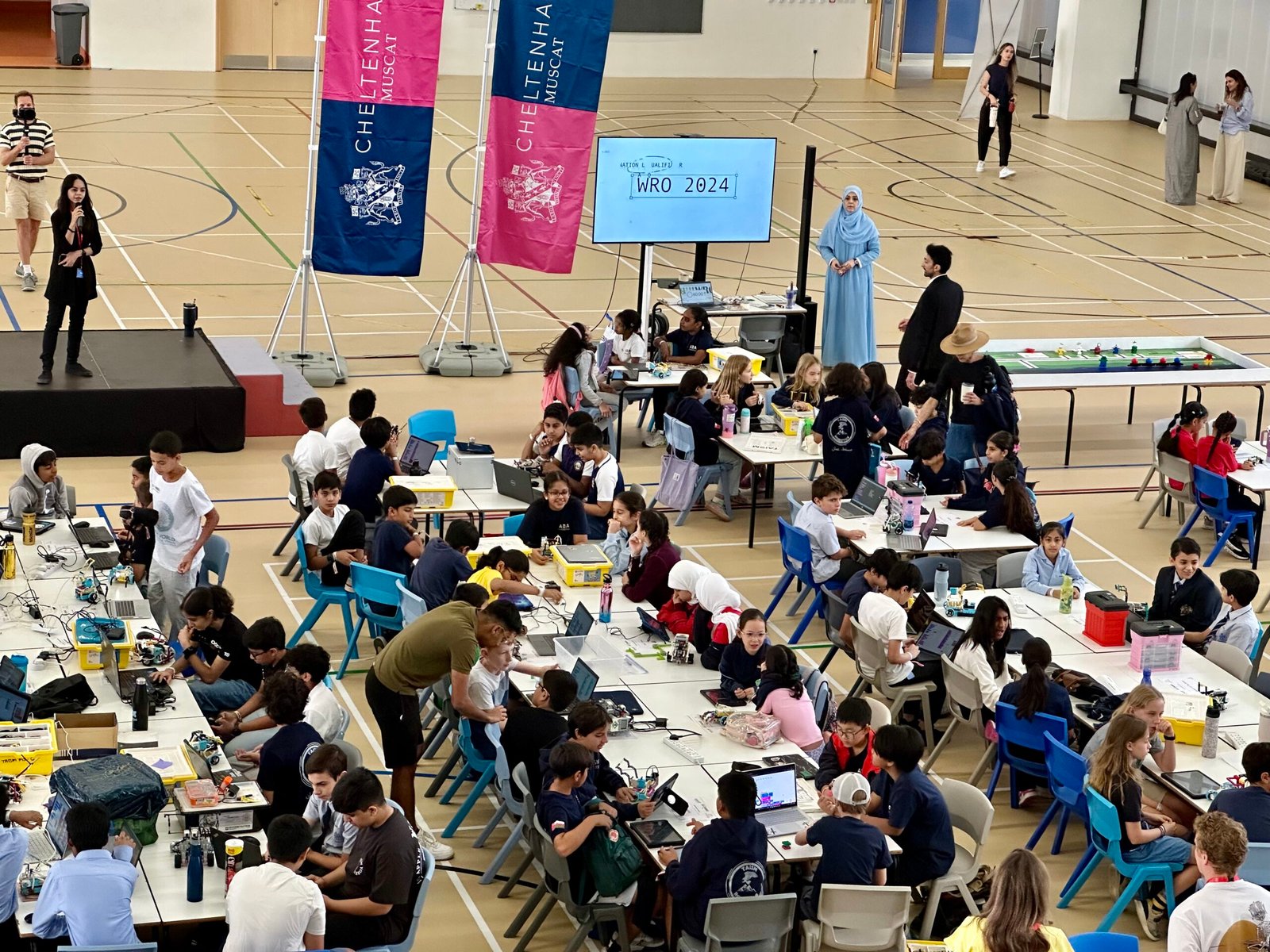
No matter how carefully you program, robots will rarely work perfectly on the first try. Debugging is just as important as coding. I still remember spending hours and hours trying to figure out why my robot kept drifting slightly during a turn — I checked motor power, wheel alignment, battery levels, and sensor readings repeatedly. It was frustrating, but each problem taught me something about how small mechanical or programming inconsistencies could snowball into bigger issues. Those long sessions of trial, observation, and adjustment are exactly what I try to prepare my students for, so they know that persistence and careful analysis are just as important as writing “correct” code.
Here are some of the strategies I teach students:
Break Programs into Small Pieces
Test each part individually before combining them. In my experience, the best place to split a program is often where the robot is aligning with a wall or a known reference point. Mark that spot on the mat and reset the robot there for each test, rather than running the entire program each time. Once each segment works reliably on its own, it becomes much easier to stitch them together into a full routine.
Print Values / Display Sensor Readings
The EV3 screen is a simple but powerful debugging tool. Early on, I struggled to figure out where a program was hanging or stopping unexpectedly. My solution was to add beeps at key checkpoints, so I could hear exactly how far the code executed before pausing or failing. This small trick saved a huge amount of time and frustration.
Iterative Testing
Modify → test → observe → repeat. Patience is key. I always remind students not to try big changes at once — small adjustments to motor speed, sensor thresholds, or timing usually produce better results and reduce the risk of overcorrection. Iteration allows students to see how small tweaks accumulate into consistent behavior.
Check Physical Setup
Many errors are not in the code but in the robot itself. Loose sensors, shifted wheels, or low batteries can cause problems that seem like programming errors. On competition day, I always use a checklist to verify everything: wheels are fully pushed in, motors are secured, cables are correctly connected, and the battery is fully charged. This small habit can save a lot of panic right before a run.
Debugging is where you really learn how your robot thinks — and sometimes misbehaves. For students, the key is slowly isolating problems, testing carefully, and noticing patterns — that’s how you go from a robot that randomly fails to one that runs consistently.